Account, Billing & Team
Manage restaurant social links
Update public restaurant contact links such as email, website, and Google review URL.
What social and web links control
Social and web links are public-facing restaurant profile fields. They help guests reach the restaurant website, contact email, and review destination from Reslify surfaces that show restaurant profile information.
These fields are active-restaurant specific and optional. If you provide a value, it must be valid before it can be saved.
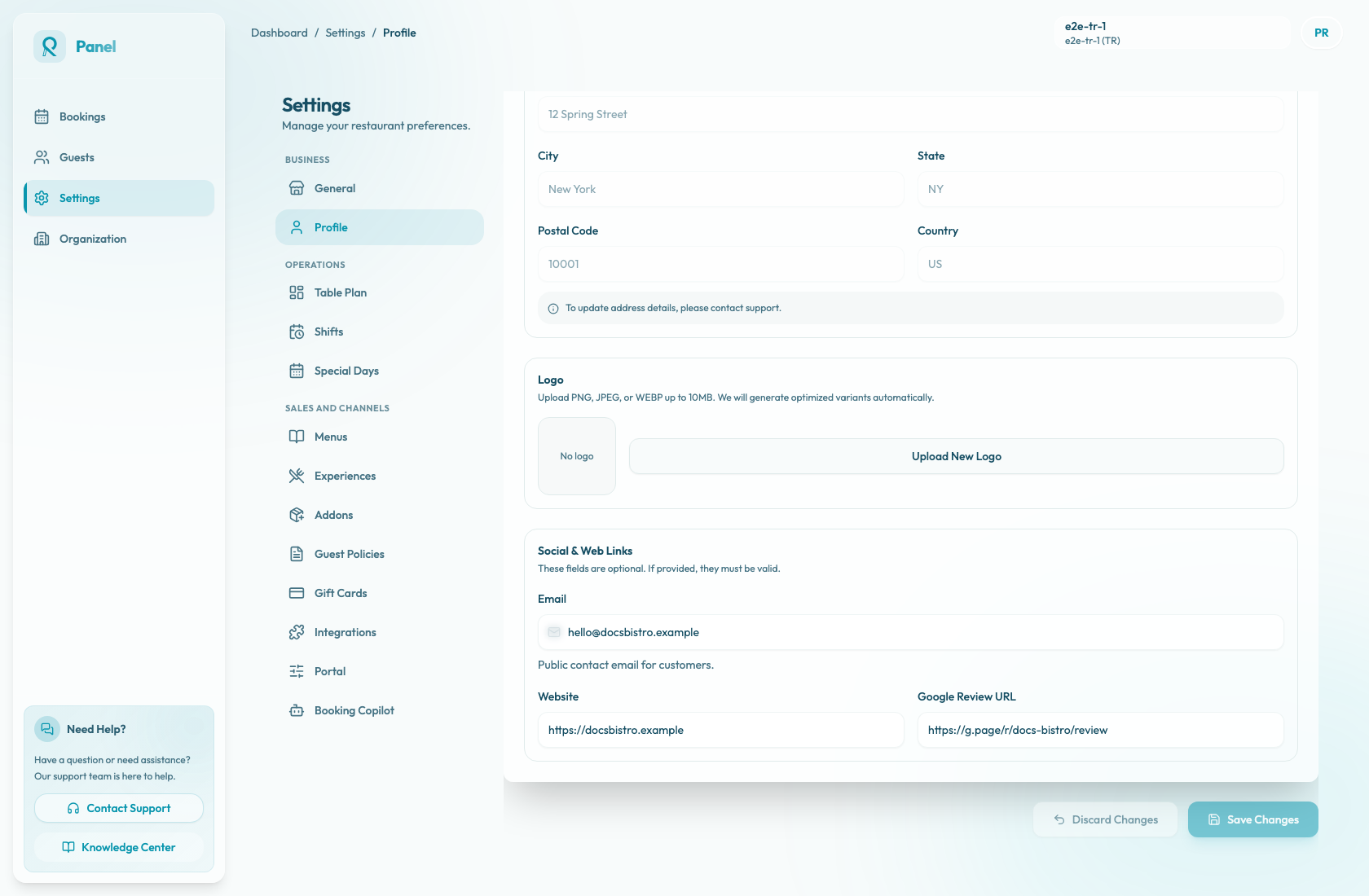
Update links
- Confirm the active restaurant.
- Open Settings / Profile.
- Scroll to Social & Web Links.
- Enter any public links you want to show:
- Email: public contact email for customers, such as
name@company.com. - Website: restaurant website URL, such as
https://yourrestaurant.com. - Google Review URL: Google review destination, such as
https://g.page/r/....
- Email: public contact email for customers, such as
- Select Save Changes. While saving, the button shows Saving....
Use Discard Changes to return edited fields to their last saved values. The page status changes between Unsaved changes and All changes saved.
The Basic Settings name and phone fields and Address Details are read-only here. Contact support if those restaurant details need to change.
Validate before saving
Use full URLs for website and review links, including http:// or https://. The optional email must be a valid email address. Test each URL in a private browser window if you are not sure whether guests can open it.
Blank fields save as empty public links. Reslify trims extra spaces before saving and stores empty values as null.
Saving updates only web links that changed. If no links changed, no toast appears. After a successful save, the current toast text is Profile saved successfully with Your profile information has been updated. If saving fails, the toast says Failed to save profile settings.
Do not use internal admin URLs, private dashboards, or personal email addresses for public restaurant links.