AI Concierge
Keep private data out of AI context
Use Booking Copilot public context safely by excluding private guest, staff, financial, and internal information.
Treat context as guest-facing
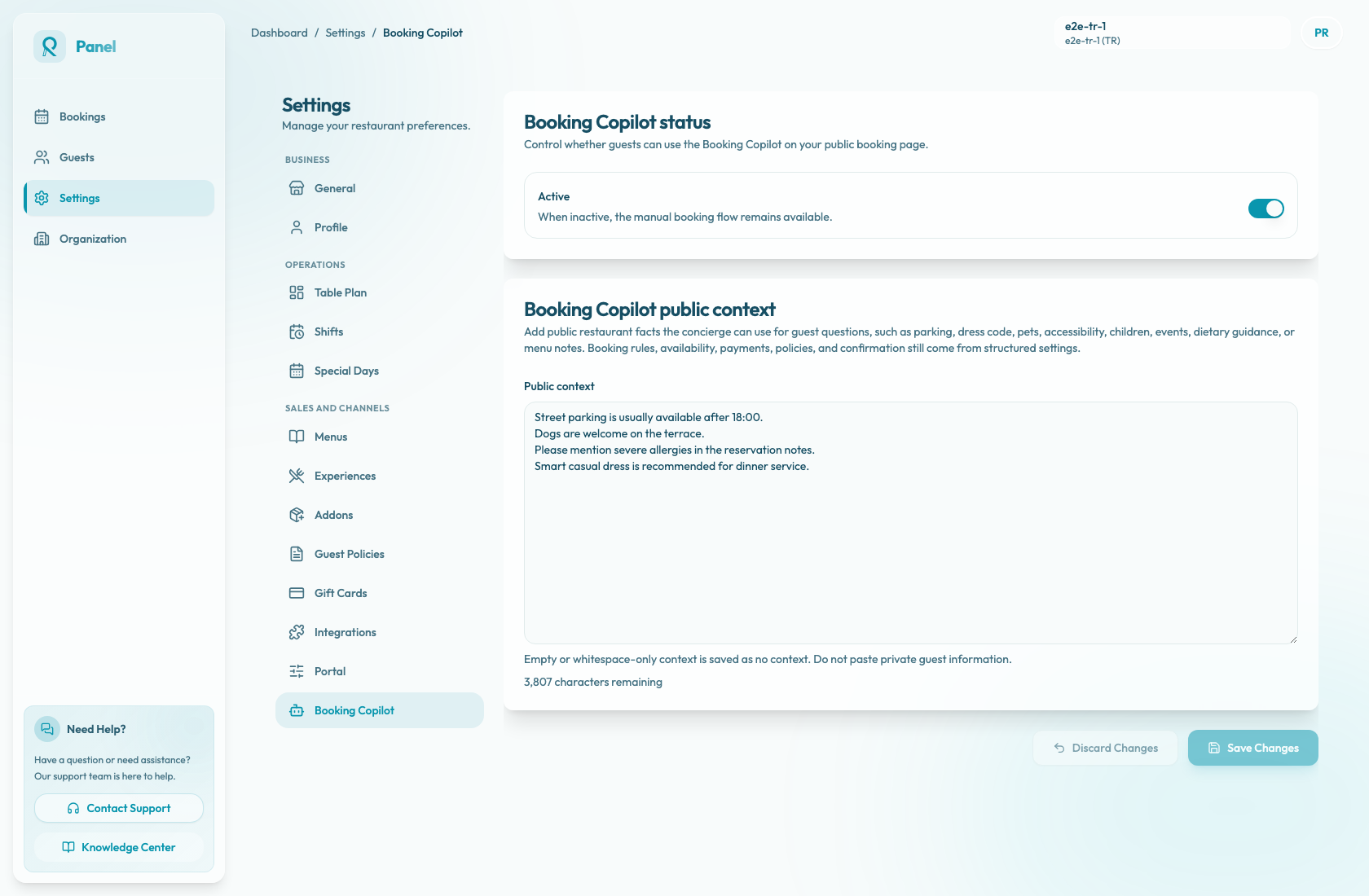
Booking Copilot public context, managed from Settings / Booking Copilot, should contain information you are comfortable showing to guests. The text may influence assistant answers even when it is not displayed word-for-word, so treat every saved sentence as guest-facing.
The field helper says: "Empty or whitespace-only context is saved as no context. Do not paste private guest information." Leaving the field blank is safer than saving uncertain or sensitive details.
Safe examples
Safe public context includes:
- "Street parking is usually available after 18:00."
- "Dogs are welcome on the terrace."
- "Please mention severe allergies in the reservation notes."
- "Smart casual dress is recommended for dinner service."
These statements are suitable because they are public, operationally useful, and guest-facing.
What to exclude
Do not include:
- Individual guest names, phone numbers, emails, birthdays, preferences, or incidents.
- Staff-only instructions or escalation procedures.
- API keys, passwords, tokens, or private URLs.
- Bank, payment provider, payout, or accounting details.
- Internal pricing strategy or unpublished commercial terms.
- Sensitive commercial notes that should not influence guest-facing add-on or offering suggestions.
Review before saving
Before selecting Save Changes, read the context as if a guest could see it. Check that each sentence is public, current, and useful for answering guest questions.
If private information was pasted, remove it before saving. If it was already saved, open Settings / Booking Copilot, delete the private text, and save the cleaned context. Use only safe public restaurant facts going forward.