Reserve with Google & Integrations
Integrations overview
Understand the Integrations page, Reserve with Google status, payment readiness, and where portal settings are managed.
What the Integrations page is for
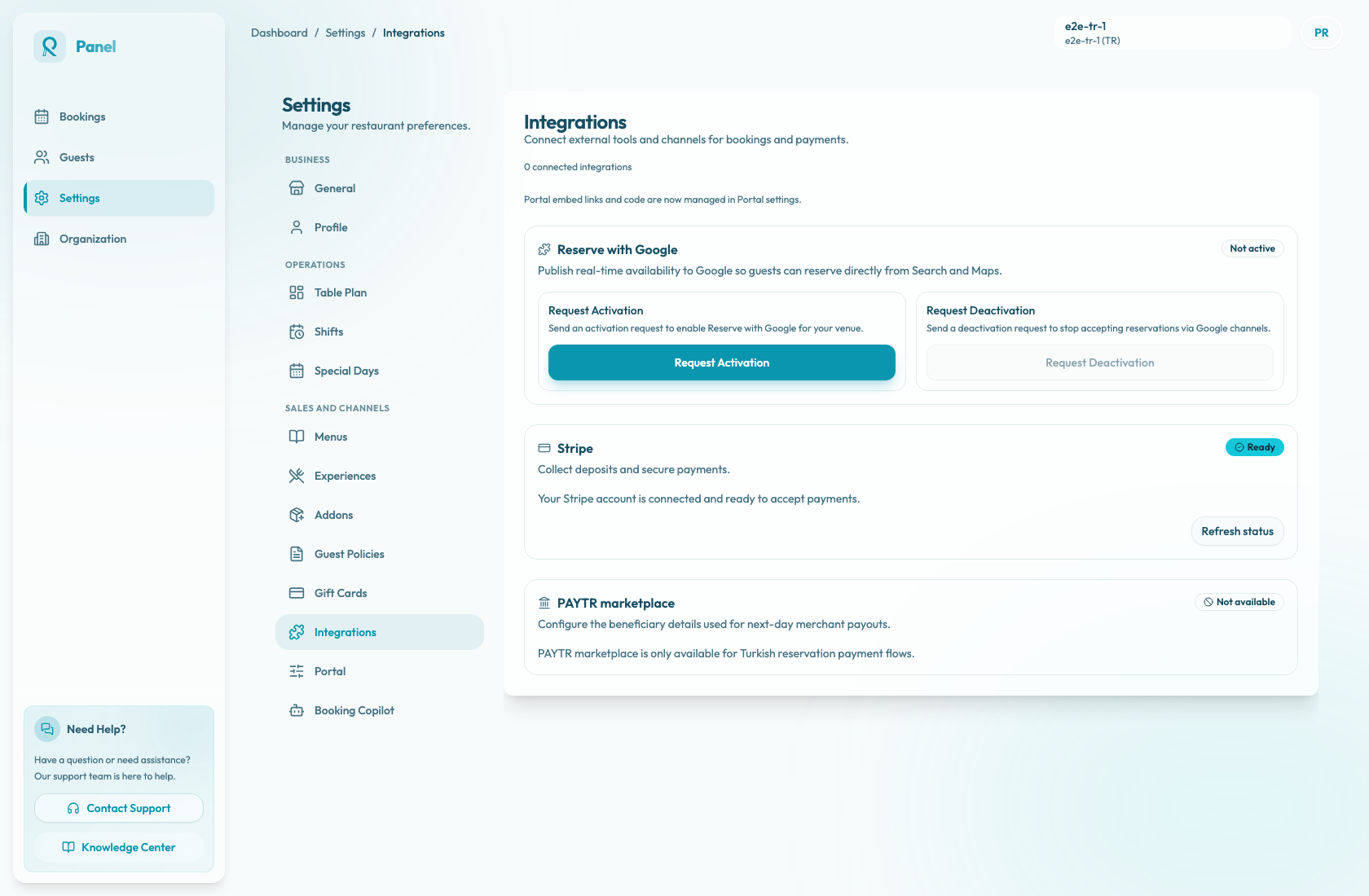
The Integrations page lives under Settings / Integrations. Use it to review external booking and payment channel connections for the active restaurant. The page description is "Connect external tools and channels for bookings and payments."
It is the starting point for Reserve with Google visibility and payment provider readiness. Portal embed links and code are managed separately in Portal settings.
Main cards
Reserve with Google shows whether the local integration state is Active or Not active. The card explains that Reslify can publish real-time availability to Google so guests can reserve directly from Search and Maps.
Do not treat this card by itself as production activation. Live Reserve with Google depends on the merchant's persisted Google setting, daily merchant/service/availability feeds, and booking server or real-time update handling for live bookings and inventory changes.
Stripe and PAYTR marketplace show payment connection readiness. Payment readiness can affect paid booking flows, prepaid experiences, gift cards, deposits, and card guarantees.
The connected count on the page currently reflects only the local Reserve with Google active state, so use the individual cards when checking payment readiness.
The page also reminds users that portal embed links and code are managed in Portal settings.
Recommended workflow
- Confirm the active restaurant in the top-right header.
- Open Settings / Integrations.
- Review the connected count as a quick Reserve with Google signal, not as a full readiness audit.
- Check whether Reserve with Google shows Active or Not active.
- Confirm Google production readiness through the activation and feed checks before expecting bookings from Search or Maps.
- Check payment provider readiness if online payments are used.
- Go to Settings / Website for the hosted booking page and Settings / Booking widget for install details.