Reserve with Google & Integrations
Sync Google availability
Understand which Reslify availability settings feed Reserve with Google and how to keep them accurate.
Where Google availability comes from
Reserve with Google availability is based on the restaurant's Reslify setup. Shifts, experiences, tables, capacity, party-size limits, special days, and booking rules determine which times can be offered.
Google does not create its own reservation slots. Reslify publishes eligible restaurant identity, services, and availability to Google, and Google surfaces the times that pass those checks.
Confirm the restaurant can be published
Before troubleshooting individual times, confirm the restaurant itself is eligible for Google publishing:
- The restaurant type is set correctly.
- Reserve with Google is enabled for the merchant in Reslify operations.
- The restaurant has a display name.
- The restaurant has a phone number.
- The restaurant has a street address.
The merchant feed publishes the restaurant identity and profile. If these basics are incomplete, availability settings can be correct in Reslify but still not become a usable Google listing.
Keep availability accurate
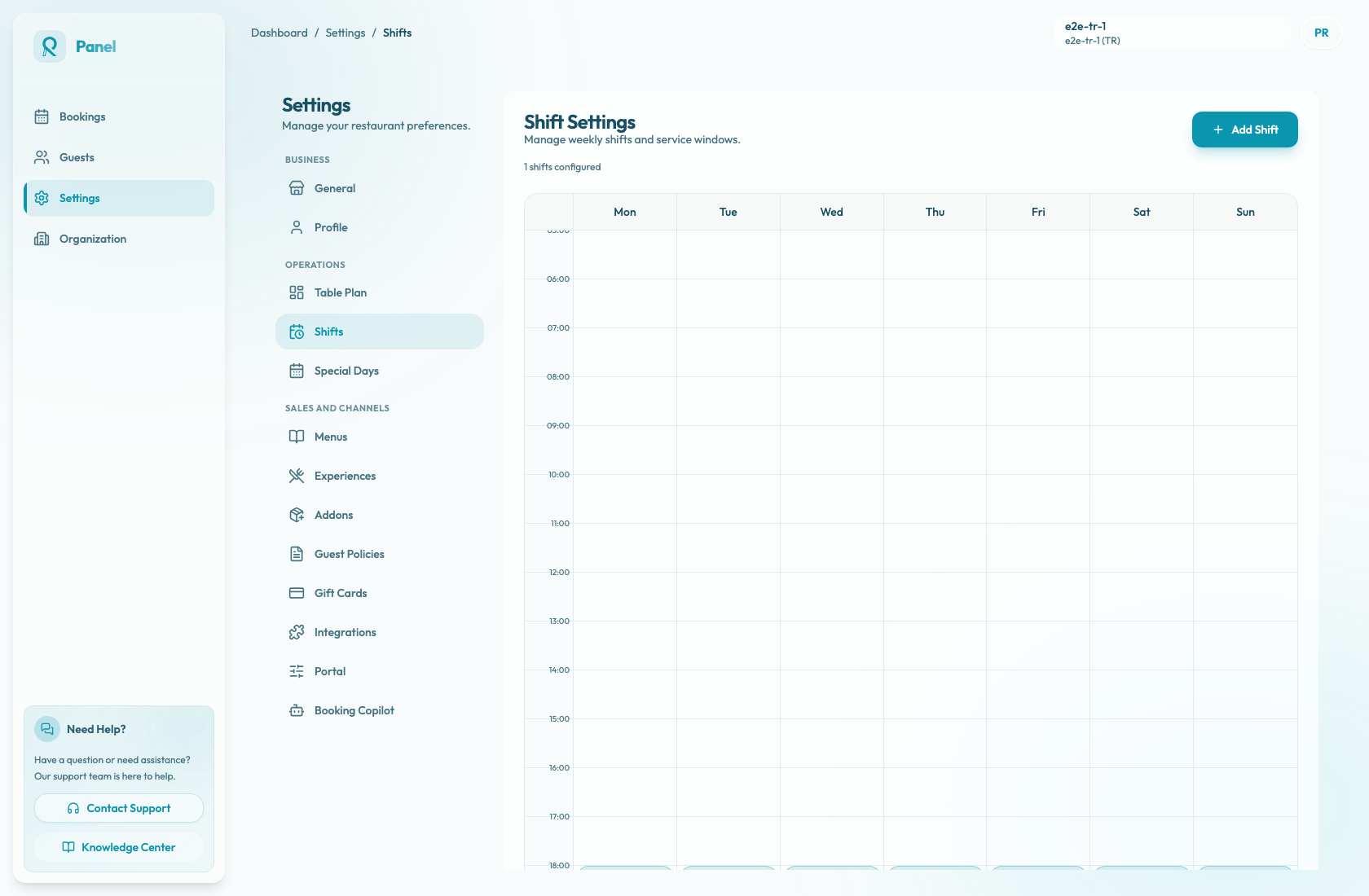
- Maintain weekly shifts in Settings / Shifts.
- Use Special Days for holidays, closures, and one-off services.
- Keep table capacity and combinations current.
- Confirm experiences are bookable and have correct party-size limits.
- Review minimum and maximum notice rules before expecting near-term or far-future times to appear.
- Confirm auto-approve or request mode matches how the restaurant wants Google reservations handled.
- Review payment policies before exposing an experience through Google.
- Check the bookings dashboard after changes to confirm the expected slots appear.
How Reslify publishes slots
The Google service feed uses the Reslify Reserve with Google service and sends guests to the restaurant portal path for Google bookings. The link includes the date, party size, duration, and experience details needed to open the matching booking flow.
The availability feed reads dining slots from the start of the UTC day through the restaurant's maximum notice window. It publishes only slots with available capacity, then maps the party size, duration, open spots, experience id and name, confirmation mode, and any required payment linkout details.
Common sync expectations
If a slot should not be bookable, close it in Reslify through shifts, special days, experience availability, table capacity, or booking rules. If a slot should appear, make sure the active experience, shift, table capacity, party-size rules, notice window, confirmation mode, and payment setup all support it.